ssh -l root lcd.hacking-lab.com (password: compass)
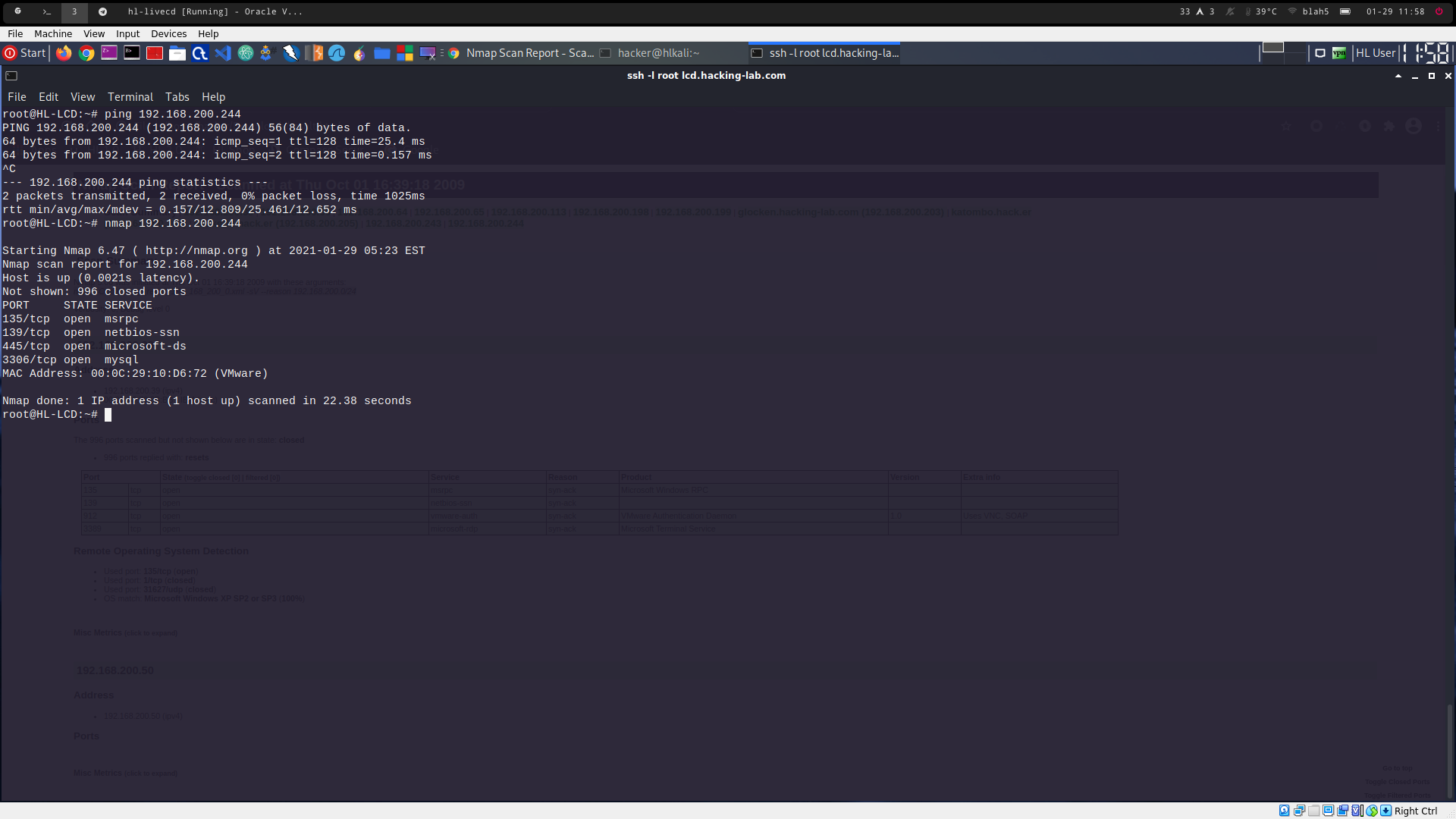
ping 192.168.200.244 -> target is pingable
nmap 192.168.200.244 -> default nmap scan (see 3001a_1.png)
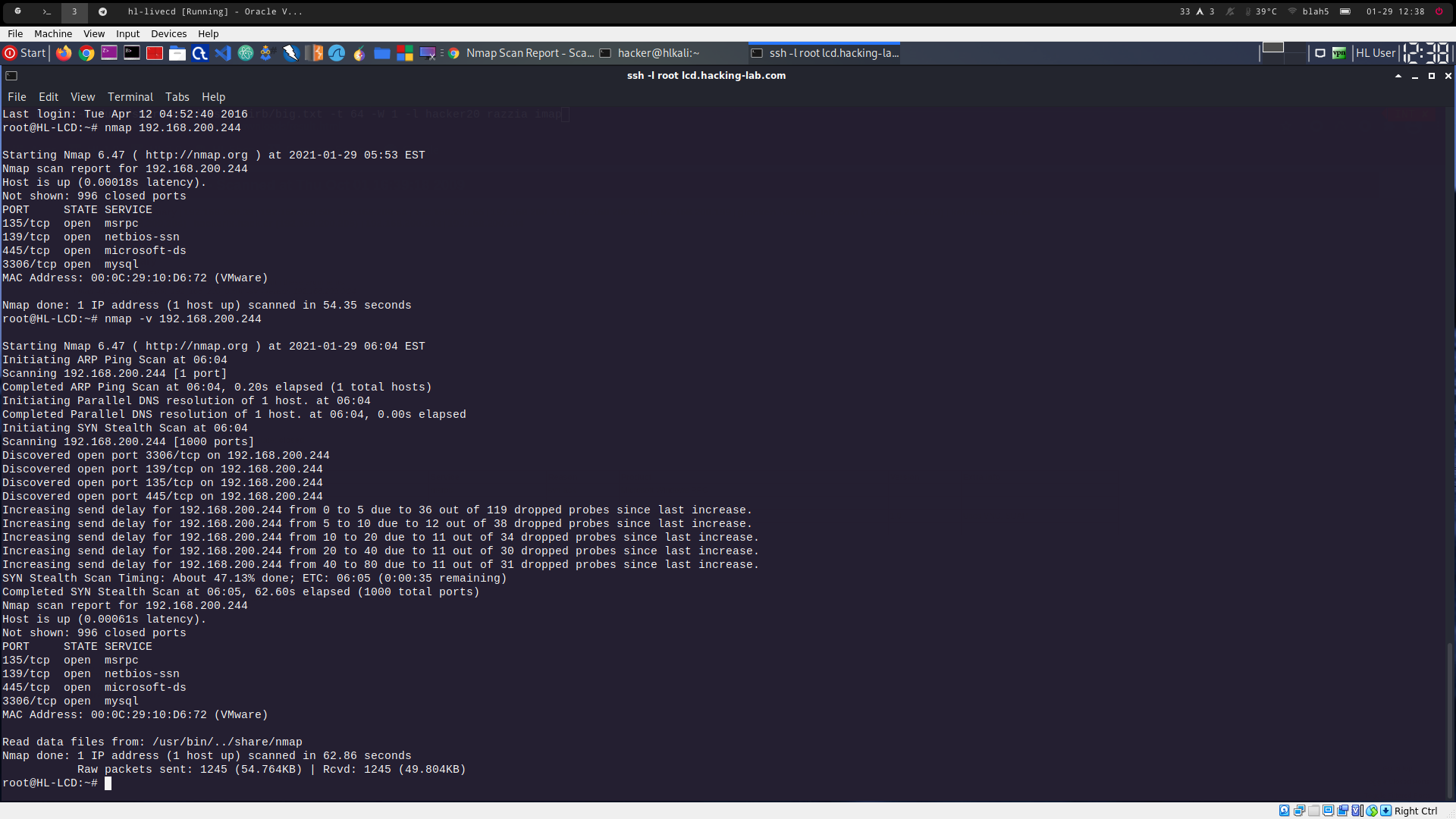
nmap -v 192.168.200.244 -> default nmap scan in verbose mode (see 3001a_2.png)
yes
yes
TCP SYN
nmap --scan-delay 100ms 192.168.200.244
print status message (as it is an unknown interactionon)
increase verbosity level
decrease verbosity level
increase debug level
decrease debug level
abort (this is the default way to abort smth, not ctrl+d, as this is the default to log out of the shell))
nmap -sU 192.168.200.244 -> udp scan
nmap -sU --reason 192.168.200.244 -> udp scan with reason
Because the request got no response
most applications don't respond on empty payload, but firewalls produce the same effect, so it can't easily be determined if there is an application just not responding, or a firewall blocking the request alltogether
-V option to scan for the version of the application behind the port (not helpful in this case, as nmap has no payload for these services, to test for the version) (see 3001a_3.png)

nmap -v -sC 192.168.200.244 (see 3001a_4.png)
/usr/share/nmap/scripts
601 (ls *.nse | wc -l or cat script.db | wc -l)
604 (count of rows of html table)
nbns-interfaces, nbns-interfaces, port-states

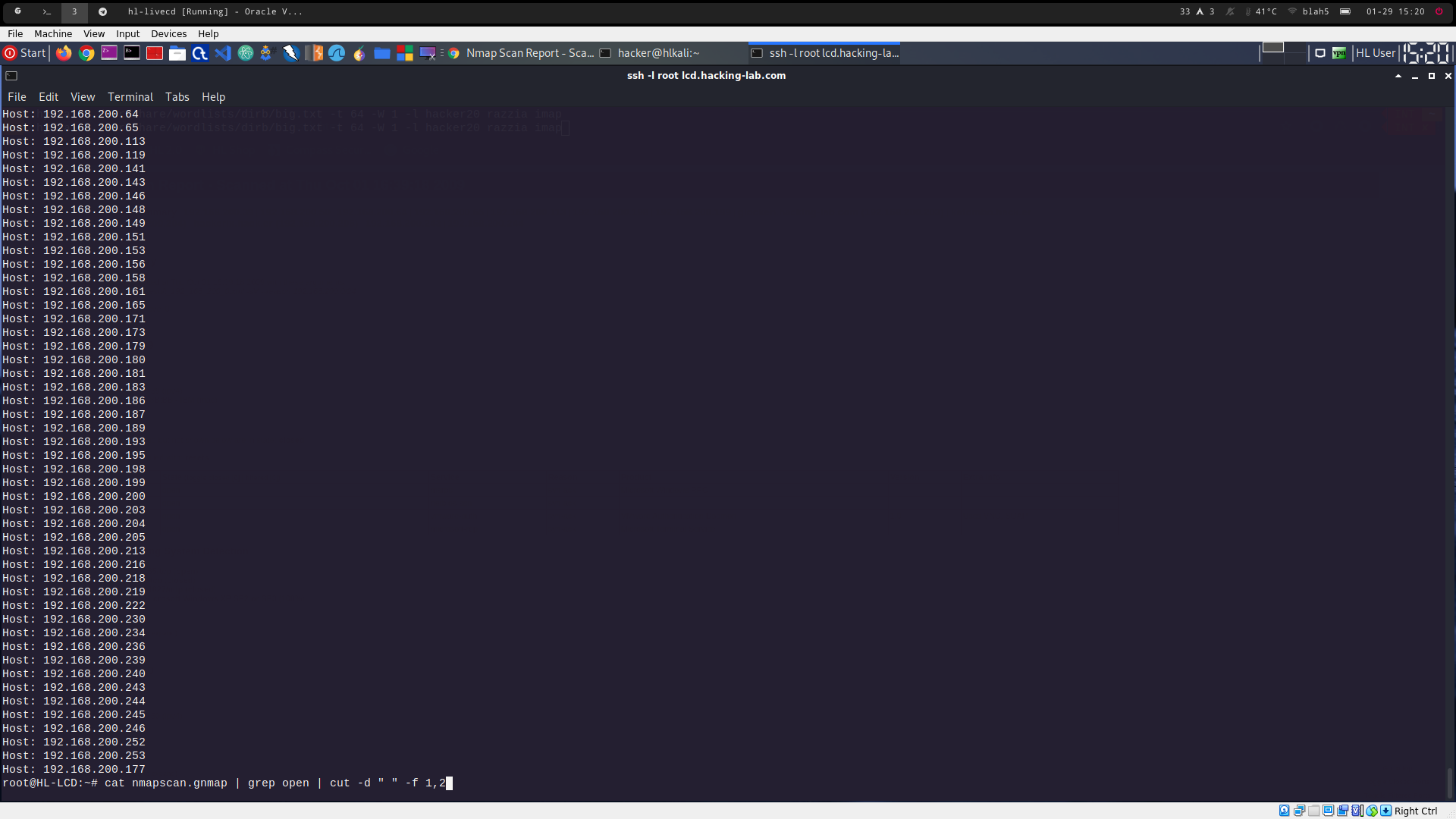
nmap -oA nmapscan 192.168.200.0/24 to scan the network and save the output in nmapscan.gnmap
cat nmapscan.gnmap | grep open | cut -d " " -f 1,2 to retrieve the host with open ports in requested format (see 3001a_5.png)